
What on Earth?
A router based AdBlock using a raspberry pi and the Pi-Hole Project. I’ll be running down the RouterOS setup for the Mofi too.
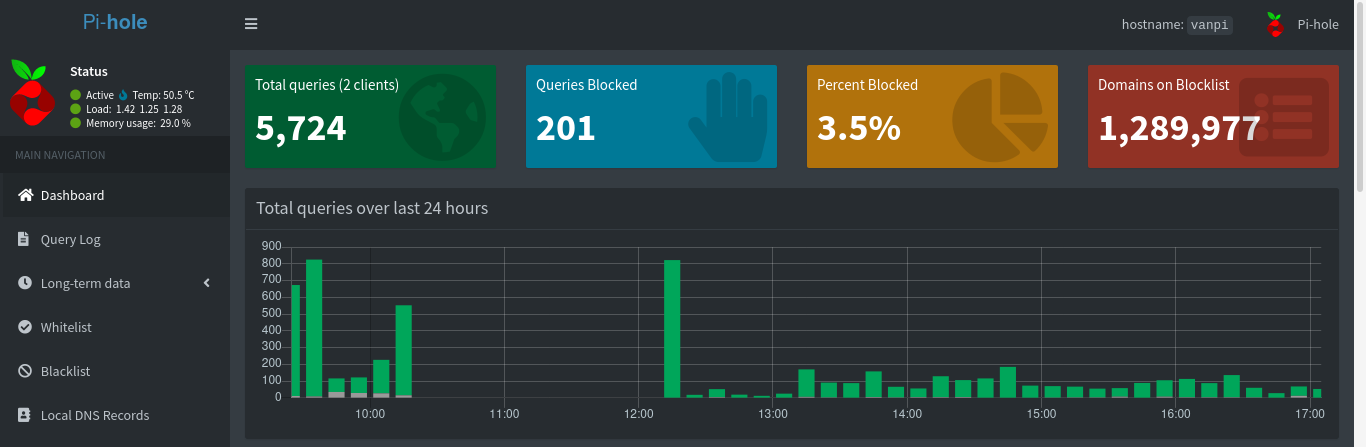
The Build
I’m going to assume you have a Pi mounted in some way. See my guide on mounting in your van if you want some ideas.
Installing
Majority of the setup on the Pi side is done with one script provided by PiHole. I do have things to note.
If you want to have a more special IP for services on your network (like 192.168.10.2) or an IP that is not the one generated by your router, you should set that up first. I did not care, but we will make the IP unchangeable when we hit the Mofi portion of this guide.
Login to your pi shell and run the following when you are ready.
1 | cd ~/Downloads #Just to keep it somewhere you'll remember |
When you have done this, go to your Pi’s internal ip address withe forward slash “admin” (192.168.10.111/admin).
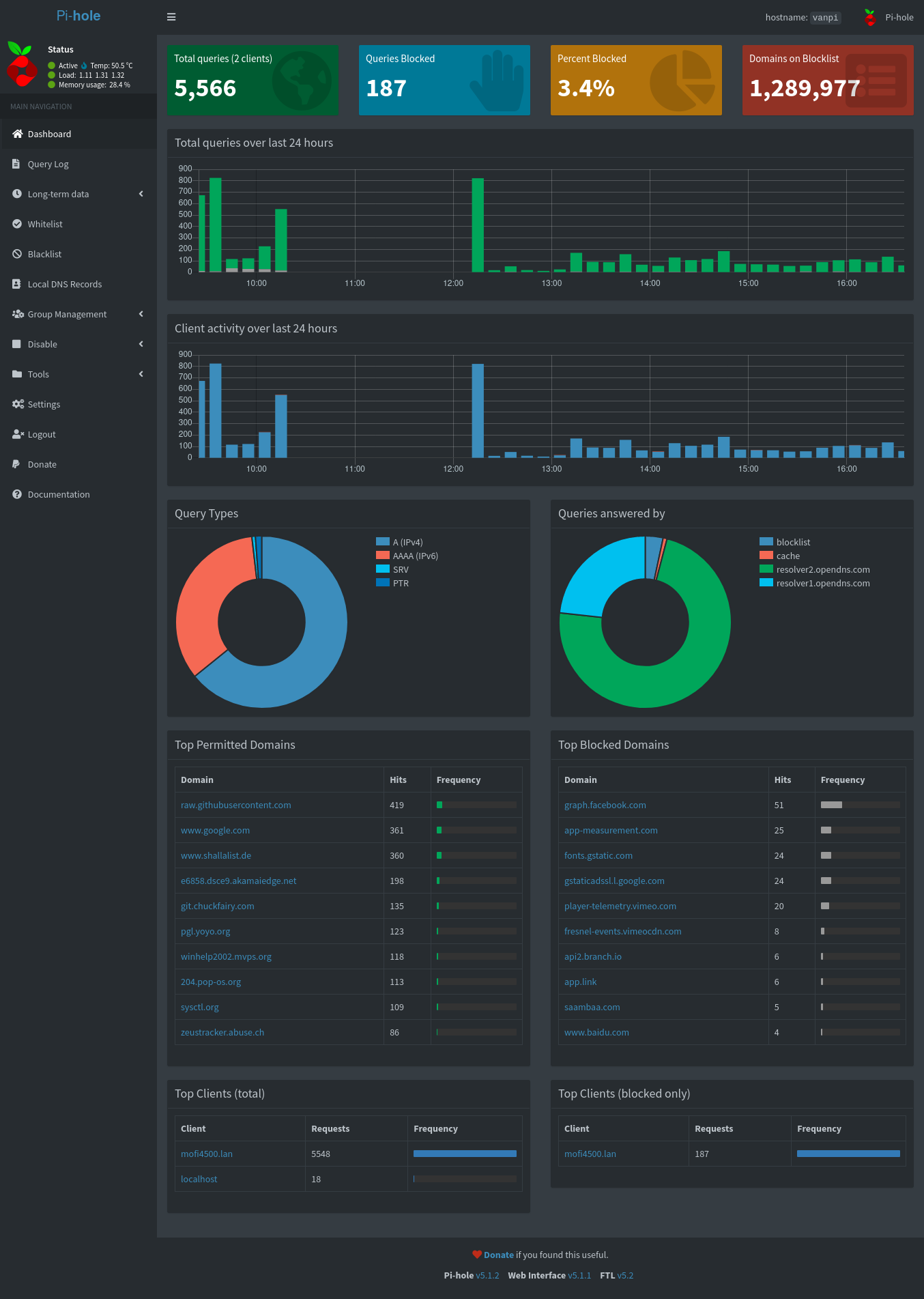
Note I like to add something like the following to my /etc/hosts file (for linux and mac) so I can go straight to van.pi/admin or whatever hostname you want to call your Pi.
1 | PI_IP_ADDRESS van.pi |
Mofi Setup
Now this is more specific to the Mofi Router, but you can look at this part to get an idea of how you will change your router in your router settings.
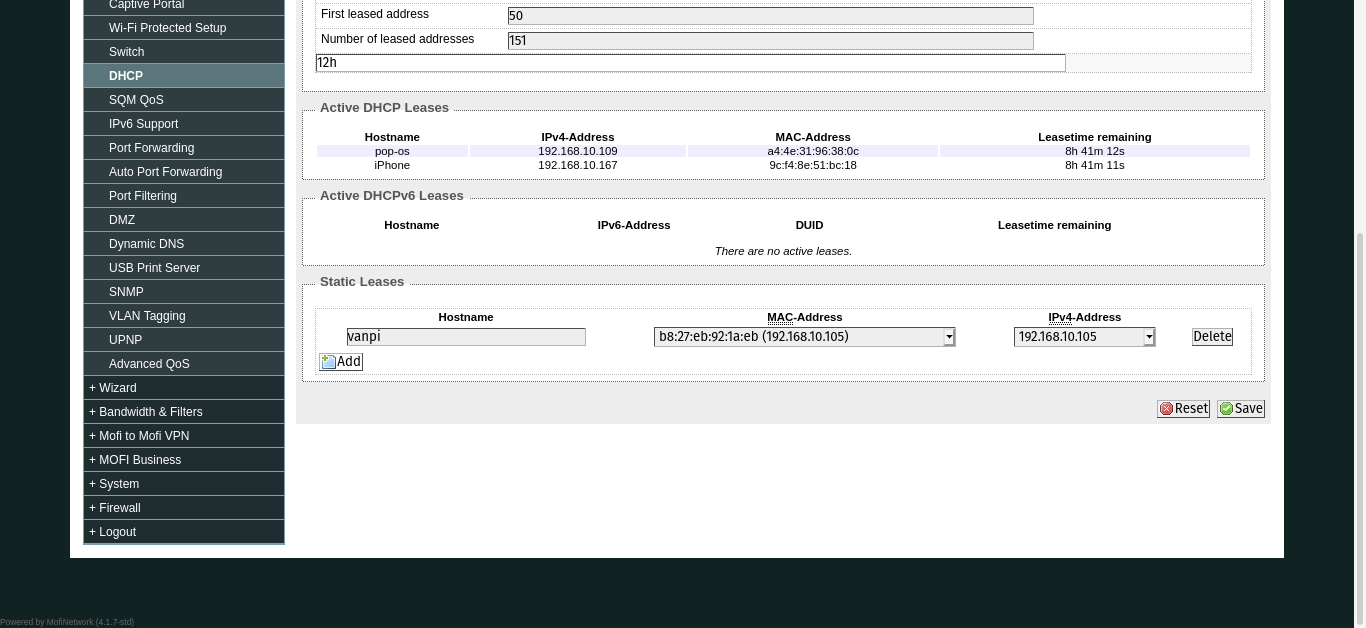
First we will lock down the IP we used for the PiHole. Under Network>DHCP, add your Pi’s mac and IP address to the the list where it says “static leases”.
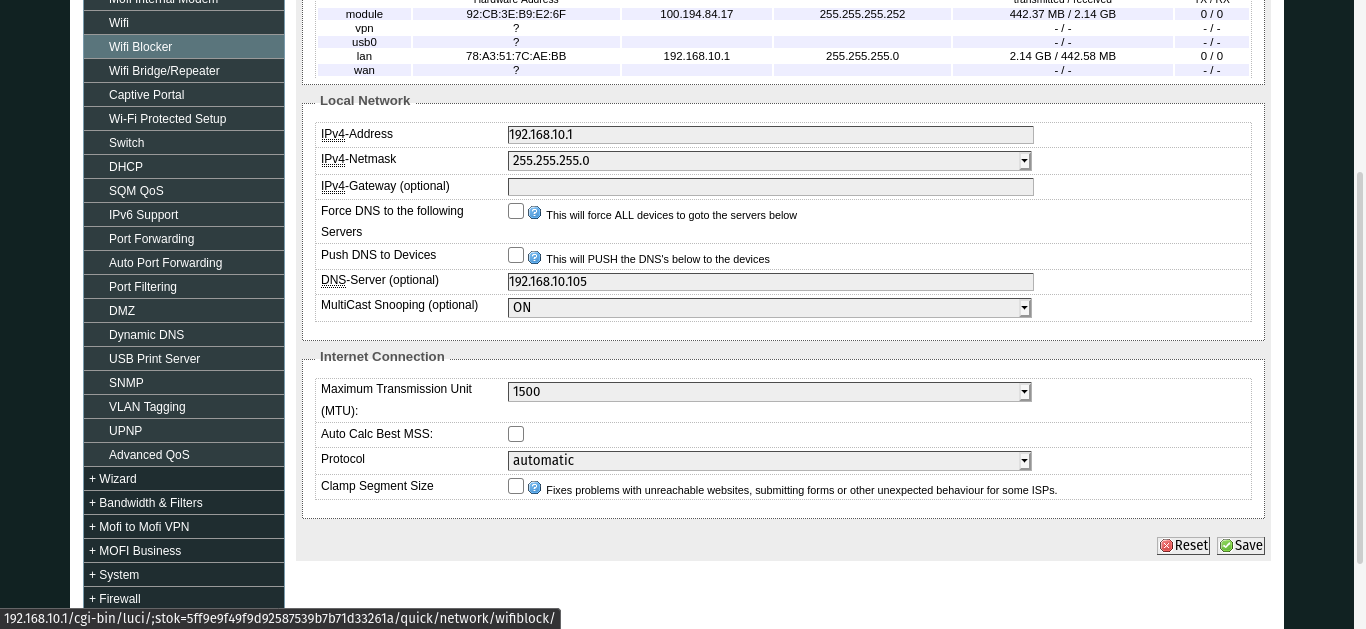
Finally we will change the DNS to our Pi’s IP address. Under Network>General change the field that says “DNS-Server”.
We will now go into adding more domains to block for PiHole.
PiHole Extra Setups
For adding more domains to block, I used the lists here heavily. Look around though for other lists, I’ll try to update this guide if it goes out of date.
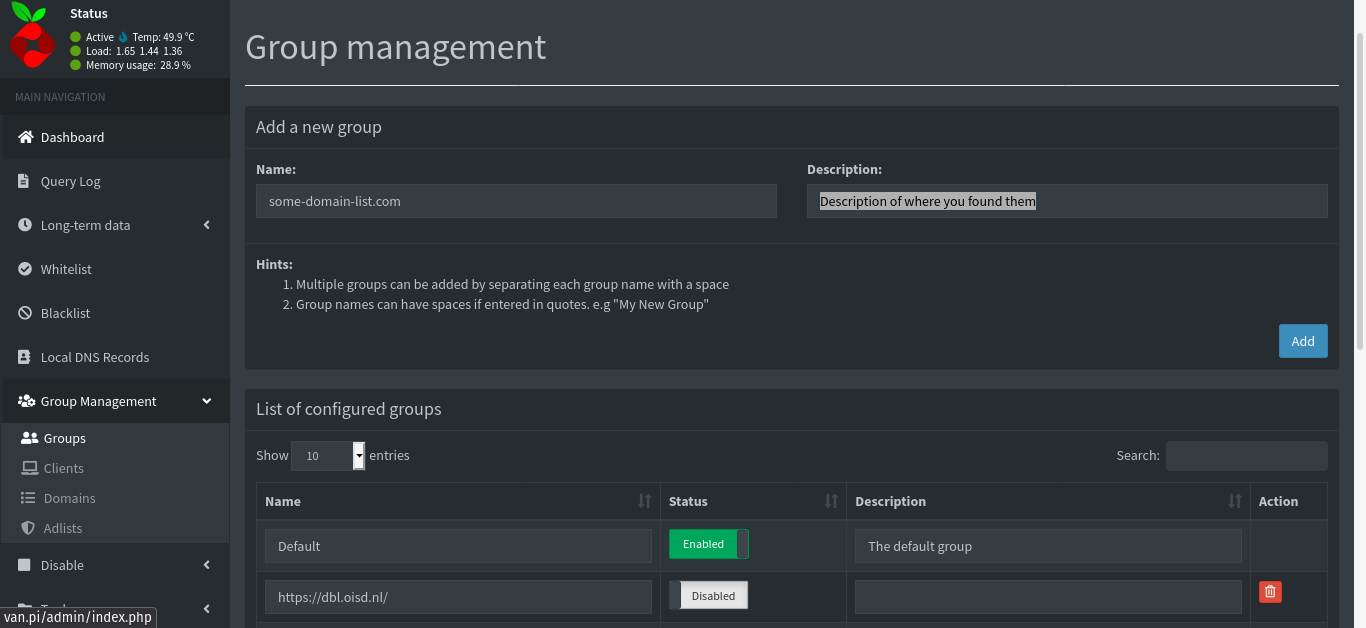
To add them, go to your PiHole instance. Click on Group Management>Groups. You can grab a bunch of lists and paste them into the “Name” field and I like to add a “Description” where it came from, but that is optional.
Well
It’s a pretty good idea for mobile devices. I found it was not feasible to block YouTube ads with PiHole and the other content based ads without something like Ublock Origin so I continue to use it. As a result I give this a 7/10. It is nice to have app ads removed entirely. The apps don’t break either which is nice. I use https://brave.com/ on mobile as well so my ad experience was limited to apps like AccuWeather, Sudoku, and forum viewer.
I’m not a big mobile users so that definitely plays into my review. This could be a 10/10 for you. If you also add tracker domains like explained below, in general it will noticeably improve your mobile performance.